
For macOS & Windows
Your databases.
One focused workspace.
Browse tables, write SQL, and explore PostgreSQL, MySQL, and SQLite.
All from your desktop.
Free & open source No account required
- PostgreSQL
- MySQL
- SQLite
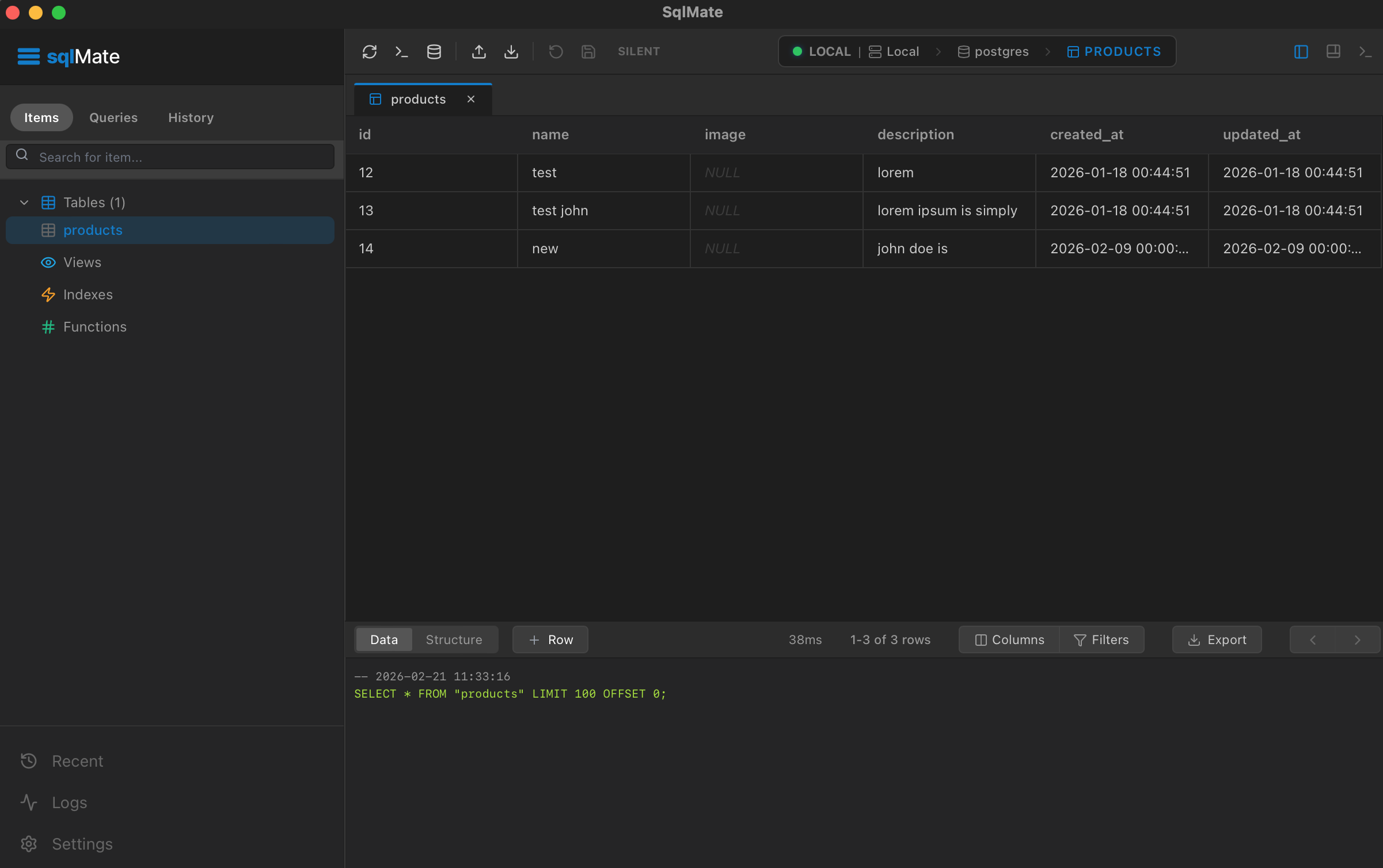
From connection to clarity.
A simpler way to work with your data.
Connect
Add your database and get to your data. Works with PostgreSQL, MySQL, and SQLite.
Query
Write and run SQL in a clean, focused editor. Use optional AI to help you get started.
Explore
Browse tables, view structure, and navigate your data with ease.
Choose your platform.
Download sqlMate for your desktop and start working with your databases.
for macOS
Free & open source No account required
Frequently asked questions
Is sqlMate free?
Yes. sqlMate is free and open source under the MIT License. You do not need an account to use the app.
Which databases can I connect to?
sqlMate supports PostgreSQL, MySQL, and SQLite. Connect to a database server or open a local SQLite file, then browse tables and write SQL in the same workspace.
How does optional AI work?
Describe what you want to find in plain English to generate SQL you can review and run. AI assistance requires a configured Groq API key. When you use it, your prompt and relevant context are sent to the AI provider.
Does my database traffic go through sqlMate servers?
No. Database connections go directly from your device to your database. Optional AI requests are handled separately by the configured provider. Limited first-party usage telemetry is described in the privacy policy.
Something else on your mind? Get support